
Simple Pricing. Real Value

Manage Projects, People & Time
Without the Chaos
Streamline your projects with an intuitive management platform.Optimize workflows, and drive business growth with ease.
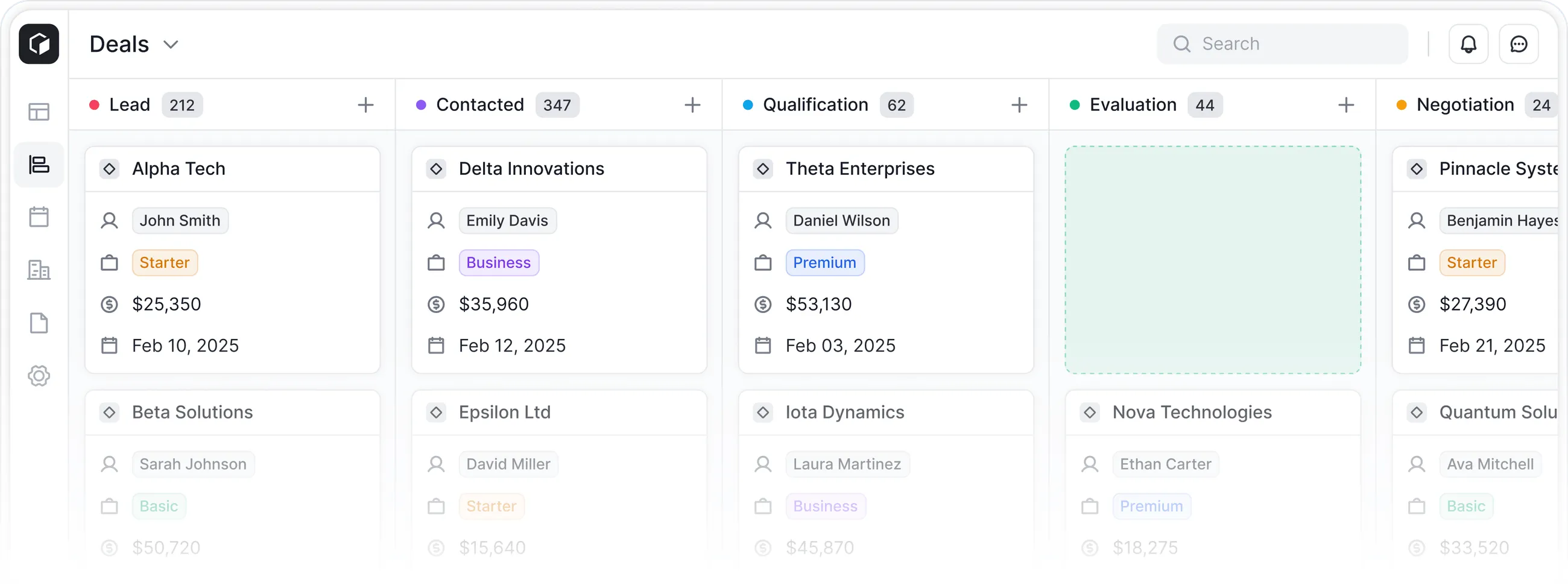


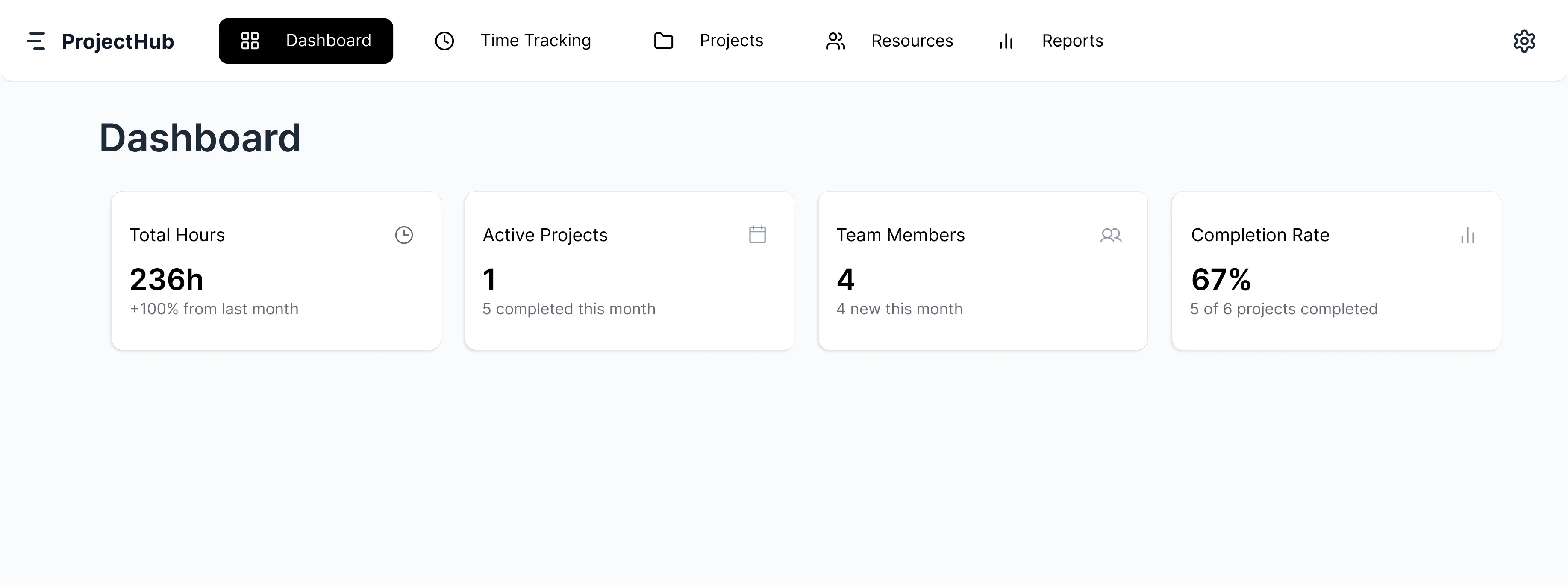

When
planning
People,
&
Time
Manage Projects, People & Time One connected view.Real project planning.
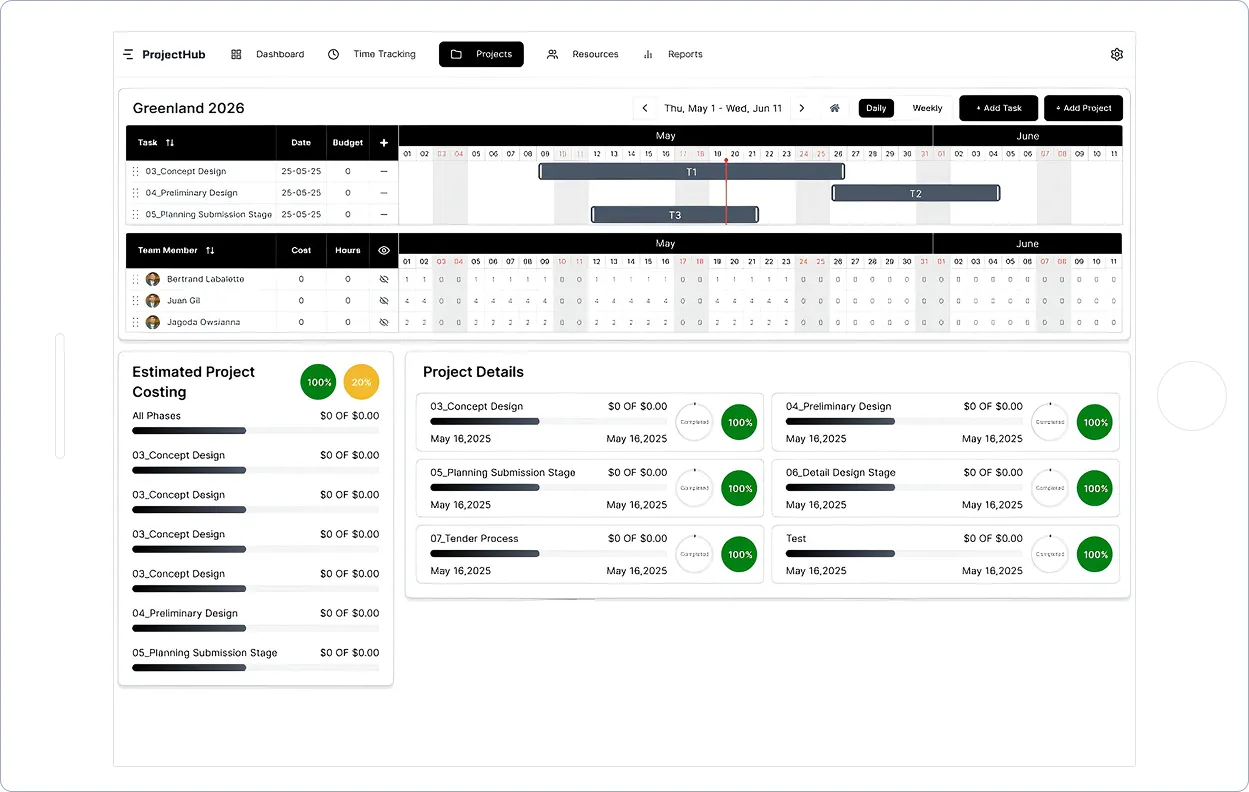
When planning and timesheets don’t live together, you lose sight of reality. ItsPeasy brings people, time, and phases together in one intuitive view — so planning feels natural and projects stay on track.
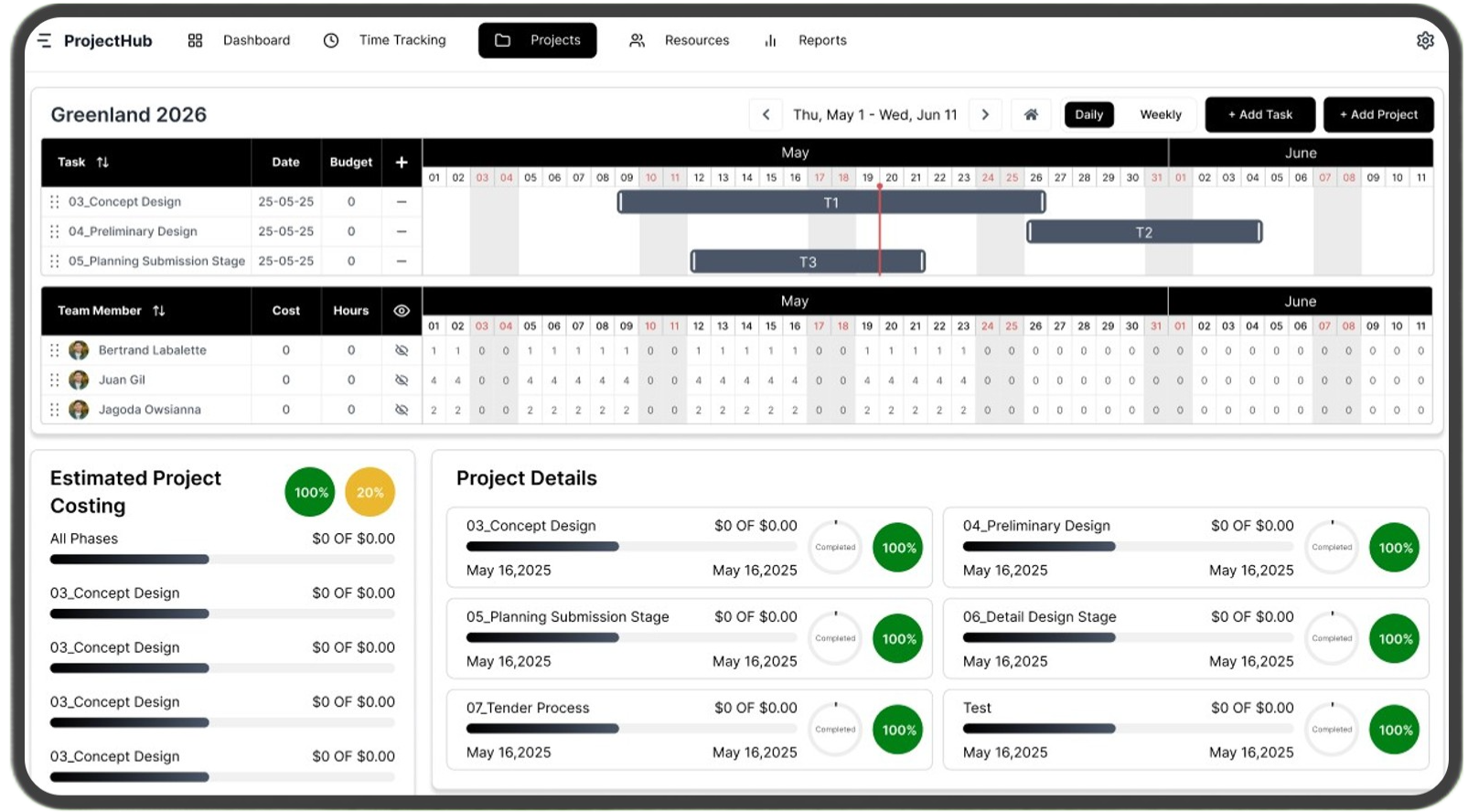
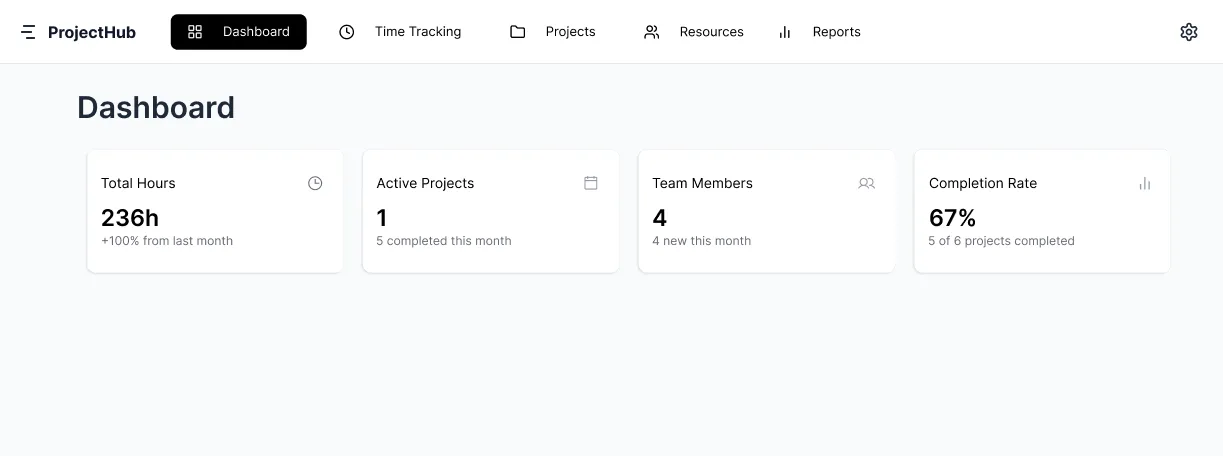
Where things break when planning and time are disconnected

Time gets tracked, but without connection to the plan. You know what was spent, but not what it means, until it’s too late.
.png)
Plans are created, hours are allocated, but reality lives somewhere else. Comparing estimates to actuals becomes manual, slow, and unreliable.
.png)
When planning and time are separate, capacity is always a guess. Overload and underuse only become visible after the fact.
What this App is built for
.png)
Most tools feel designed for someone with a laptop in a sunny café in Silicon Valley. This one isn’t. It’s for everyone else who needs a clear overview and a calm way to plan; without stitching together spreadsheets and timesheets.
.png)
Our pricing is simple, honest, and a fraction of everything else out there; because good planning habits shouldn’t require enterprise software

You just want to see what’s going on projects, hours, resources in a simple, obvious way. No hidden layers, no feature labyrinths, no “advanced dashboard mode.” Just a real overview that reflects reality.
Who this App is NOT built for

If you expect invoicing, task management, CRM systems or anything all-in-one that’s not what we do. Use the tools you already like for that; we stay focused.

We made this for people who work, not people who manage
every minute.
If you break your day into tiny slices
and plan in anything less than hours, this isn’t for you.

We made it intuitive on purpose. So if you enjoy onboarding courses, training videos, and manuals thicker than a phonebook — you won’t find that thrill here.

Simple Pricing. Real Value


(Yes, the cancel button is easy to find. Promise.)

No Sign-Up. No Strings.
Just open the app and explore it freely.
Nothing is saved. Nothing is tracked. Close the tab and it’s gone..
If it feels useful, you can sign up later.
Core Functions & Workflow

Create your staff and clients — that’s all you need to get started.
Start a project, define your plan, and add the team who will do the work.
.png)
Create your stages, assign your team and hours, and see how everything aligns.
.png)
Time entries flow straight into your project costs, so you can monitor profitability and issues as they happen, not after.
.png)
Are your project costs matching reality? Is the plan holding, or are hours slipping? Stay on top with a live overview of every project.
.png)
Get a clear overview of your staff, see where they’re assigned, and instantly spot capacity gaps.
Our Story
What we kept coming back to was this: planning and time were
never in the same place.
Like most teams, we tried
the tools everyone uses. They promised clarity, but they were
built around tasks, checklists, and constant updates. The
result: too many subscriptions, features we never used, and
prices that didn’t make sense.
Work doesn’t happen as
a list of tasks to supervise minute by minute. It unfolds over
time, through phases, with people doing their work. But the
tools we found were designed for control — not understanding.
Each
new platform felt like a puzzle with long onboarding and no
clarity. Just confusion.So we built what we couldn’t find:
software that actually helps. Simple, intuitive, and designed
for real teams like ours - like yours.
So we built
what we couldn’t find: software that actually helps.Simple,
intuitive, and designed for real teams.
What started
as a solution for our own company became something bigger.
Frequently Asked Questions
Find quick answers to common questions about Itspeasy.
Do I need to install anything to use Itspeasy?